AI Comic Generator
Use an AI comic generator to turn a one-line idea, script, or story into editable comic panels and Webtoon episodes—with consistent characters, speech bubbles, and control at every stage.

From story idea to finished comic
No drawing skills required. Start with an idea, script, or story and let the AI comic generator turn it into editable panels and a complete episode.
Build one episode, one decision at a time.
Autopilot can run all five stages, or step in whenever you want control.
01 · Story shape
Start with a story, not a blank canvas.
Paste a script, share a one-line idea, or let the AI comic generator shape the episode before you generate a single panel.
Story outline
A clear story shape gives every later stage something to protect.
Start creating02 · Visual canon
Build a cast you can bring back.
Give every important character a profile with visual anchors, references, and the details that should stay stable across the series.
Character profile · Vex v2
Project canon stays stable. Episode-specific changes stay local.
Start creating03 · Storyboard
Plan the moment before you render it.
Turn story beats into editable shots with clear action, camera, dialogue, and reading order.
Episode 01 · storyboard
A storyboard makes the panel generator follow the story, not invent it.
Start creating04 · Editable panels
Keep the take. Fix the panel.
Compare candidates, choose the version you like, and regenerate one panel with a plain-language instruction.
Panel candidates · 04
You do not lose the episode because one image needs work.
Start creating05 · Export
Finish an episode you can use.
Export a vertical Webtoon preview, individual panels, lettering layers, or the project files for the next step.
Export episode
The result is an episode with useful files, not a folder of disconnected images.
Start creatingFree to start
Try it before you pay
Plan the story and cast at no cost — credits only apply when you generate panels.
Consistent cast
Same face, every panel
Locked character sheets keep faces, outfits and palettes stable from the first panel to the last.
Publish ready
Exports that ship
Vertical Webtoon strips, single panels, lettering layers and project files — all yours to publish or keep editing.
Make one episode. Keep building the series.
This AI comic generator keeps your characters and world reusable across episodes, lets you refine any panel without starting over, and exports each episode when it is ready.
Turn an idea into a comic episode
Start with an idea, script, or story. This AI comic generator moves through outline, cast, storyboard, panel art, and lettering in one connected workflow — on Autopilot or with your approval at every stage.
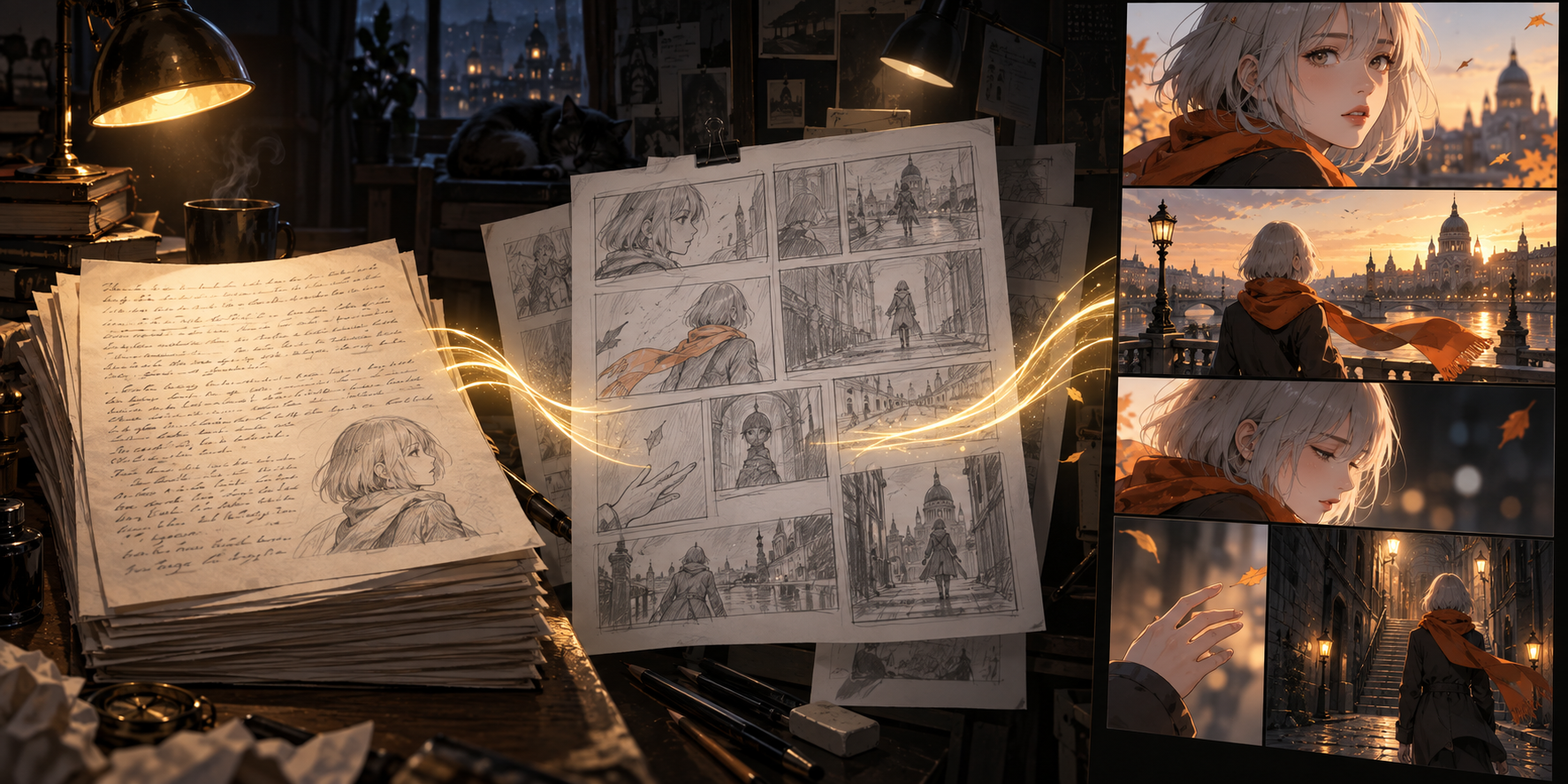
Bring the same characters and world into every episode
Keep characters, locations, props, visual references, and key story details in one project bible. Reuse them in every new episode while keeping episode-specific changes local.


Fix one panel without restarting
Use the AI comic generator to compare candidates, keep the version you like, and regenerate only the panel that needs work with a plain-language instruction.

 Picked

Export an episode ready for publishing
With the AI comic generator, assemble vertical comic pages, add lettering, create silent versions, and export Webtoon previews, panel images, lettering layers, and project files.



Choose how much control you want
Let Autopilot move through the stages, approve each step yourself, or switch modes mid-project without losing your work.
Creator workspace
Analyzing your idea
08:49:40 Lily, a timid new student, joins the quiet gardening club to avoid bullies…
08:49:40 Belonging · Courage · Hidden strengths · Nature vs. corruption
Writing the script
08:49:57 3. The Weed Monster Attacks — it lashes out, knocking the girls back…
Start with a template. Shape it around your story.
Pick a ready-made AI comic generator workflow instead of wiring nodes from scratch. Each step is already connected. Open it when you want to change a prompt, rerun one step, or turn the workflow into your own.
Start with a templateWant more control? Open any template to edit prompts, rerun one step, or remix it into your own workflow.
Made by creators like you
Real comics published from the studio, every page made with our AI comic generator — open one to read, or borrow the idea and make it yours.
Built for writers and comic creators
Whether you are an experienced artist or a first-time creator, the AI comic generator helps you turn stories into consistent, editable comic episodes.
Indie comic artists
Develop full episodes faster, keep your cast consistent, and refine layouts without redrawing every panel from scratch.
Writers with stories to tell
Paste a script, chapter, or one-line idea and turn your writing into storyboarded, lettered comic panels.
Webtoon creators
Build vertical episodes with reusable characters, editable dialogue, and exportable comic panels for your publishing workflow.
Educators & brand storytellers
Turn lessons, products and case studies into visual narratives that hold attention far longer than plain text.
Frequently asked questions
Everything you need to know about our AI comic generator before getting started.
From the blog
Product updates, guides, and engineering notes from the team.

How to Write a Comic Prompt That Actually Works
A comic prompt is a spec your pipeline compiles. How to shape a one-line idea or a full script so the story, cast, and panels come out the way you meant them.
 Lovecomic Team

Story to Comic: Turn a Story Into a Comic Episode
Turn a story, script, or one-line idea into a consistent comic episode — why one-shot generators fail, and the six-stage workflow that fixes it.
Lovecomic Team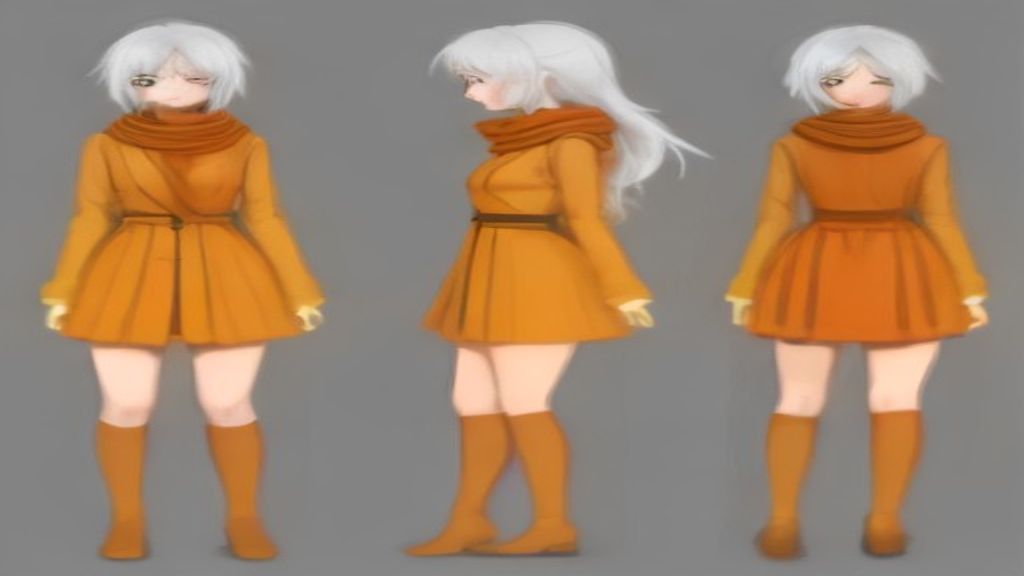
AI Comic Character Consistency: Keep Your Cast Stable
Why AI characters drift between panels, and the reference-sheet + character-bible workflow that keeps faces, outfits, and style consistent across an episode.
Lovecomic TeamYour first comic starts with one idea
Start free with an idea, script, or story. Let the AI comic generator storyboard your episode, generate panels, and prepare it for export.